
Google Drive Photo Backup Changes Kicks In Today: How to recover your photos, what to do when backup ends
- Posted on August 10, 2026
- By Business News Today
- 1 Views
- 1 min read
In brief
Google is discontinuing automatic photo synchronization from desktop folders through Google Drive, effective August 10, 2026. Users need to migrate their backup strategy by adopting Google Photos' dedicated 'Back up folders' feature to maintain seamless protection of their digital memories. Previously saved content remains secure, but new files will require manual intervention through the updated backup system.
Summary auto-generated by AI from the original publisher's content. Editorial standards.
Google Drive Photo Backup Changes Kicks In Today: How to recover your photos, what to do when backup ends
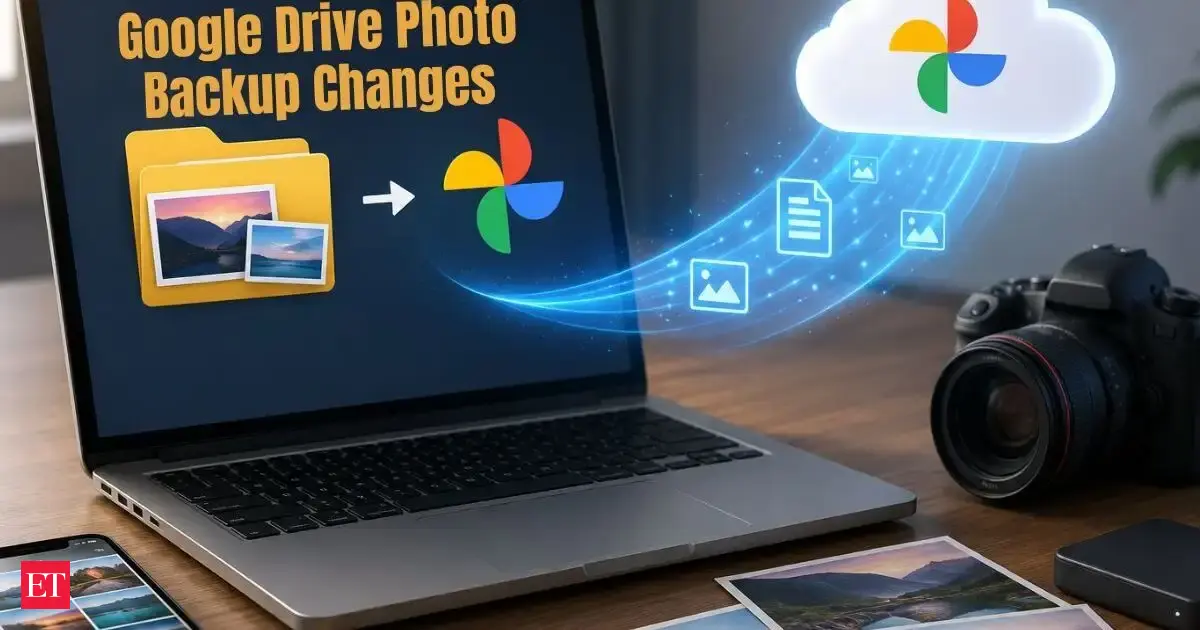
Google Drive Photo Backup: Google has ended automatic photo and video backups from selected computer folders through Google Drive for desktop. From August 10, 2026, users must use Google Photos “Back up folders” feature to continue backing up desktop photos. Existing photos already stored in Google Photos will remain safe, but new files will no longer sync automatically through the old Drive integration.